


Menopause: What It Is and How to Navigate It with Confidence
Meet menopause with confidence—and discover targeted support to help make the transition feel a little more manageable.*
Sign up for emails to receive exclusive offers. Learn more!


Most of Nature's Way products are eligible for Subscribe & Save. Last Chance and Overstock items are not eligible. There’s something for everyone to keep your pantry and bathroom cabinet stocked.
Nature's Way® Subscribe & Save is a convenient way to get your favorite supplements delivered to your door at a discounted price. Simply choose the products you want, select a delivery frequency, and you're all set. You'll save 15% on all subscription deliveries, and there's no minimum order size or commitment (shipping fees may still apply). You can cancel, pause or modify at any time in the Manage Subscriptions section of your Account.
It’s easy to subscribe! To get started, simply choose the product you want and opt for "Subscribe & Save" instead of "One-Time Order." Next, select your preferred delivery schedule from the drop-down menu, with options available for delivery every 30, 45, 60, 90, or 120 days. Afterward, click on "Add to cart," and your item will be ready for purchase at a 15% discount. You have the flexibility to proceed to checkout or add additional items to your cart. To easily manage your subscription, it's recommended to set up a free Nature’s Way® account before finalizing your purchase or simply click the link found in your confirmation email.
You receive 15% off your favorite products when they auto-renew, excluding taxes and shipping. Shipping is free for orders of $35 or more, excluding taxes and shipping.
Most Nature's Way products are available for the Nature’s Way Subscribe & Save subscription program. Eligible products are listed on our Subscribe & Save collection page. There’s something for everyone to keep your pantry and bathroom cabinet stocked.
When you are on a product page, you can select either a one-time purchase or Subscribe & Save. With Subscribe & Save, you save 15% on every purchase. The one-time purchase item(s) and Subscribe & Save items in your cart are subject to shipping costs of $6.95 if your order total is less than $49. Only Subscribe & Save items are delivered based on your selected frequency. Your cart can have a combination of one-time purchase and Subscribe & Save products, depending on your needs.
Instructions:
If you have questions about your subscriptions, please contact us.
You have the flexibility to modify your subscribed items at any time before your order is processed. You may cancel, skip a delivery, adjust the frequency of deliveries, and remove items to your upcoming orders.
An account is created at the time you create a subscription. Click Sign In to see your account
To manage your subscriptions, sign in to your account.
Yes, you can. That’s why you can create subscriptions (each product is considered a subscription) for different delivery periods, whether it’s 30, 45, 60, 90, or 120 days. With our service, you can set up what you need, when you need it, for as long as you need.
Once you are signed in to your account, you can go to My Subscriptions. From here, look for the "You might also like" section. Click "View all" to search or browse for the product you want.
Please contact customer care they will help you with this.
Follow the steps below:
This update to your next shipment date will affect future orders, not current orders that are being processed. Please note that if your current order has already processed, we are unable to make changes to such order.
If you have questions about your subscriptions, please contact us.
Shipping is free on subscription orders of $35 or more (excluding applicable taxes). When you purchase one or more products on a subscription, and your order is less than $35, your shipping cost is $4.99.
Follow the steps below:
If you have questions about your subscriptions, please contact us.
Follow the steps below:
This update to your payment method will affect future orders, not current orders that are being processed. Please note that if your current order has already processed, we are unable to make changes to the order.
If you have questions about your subscriptions, please contact us.
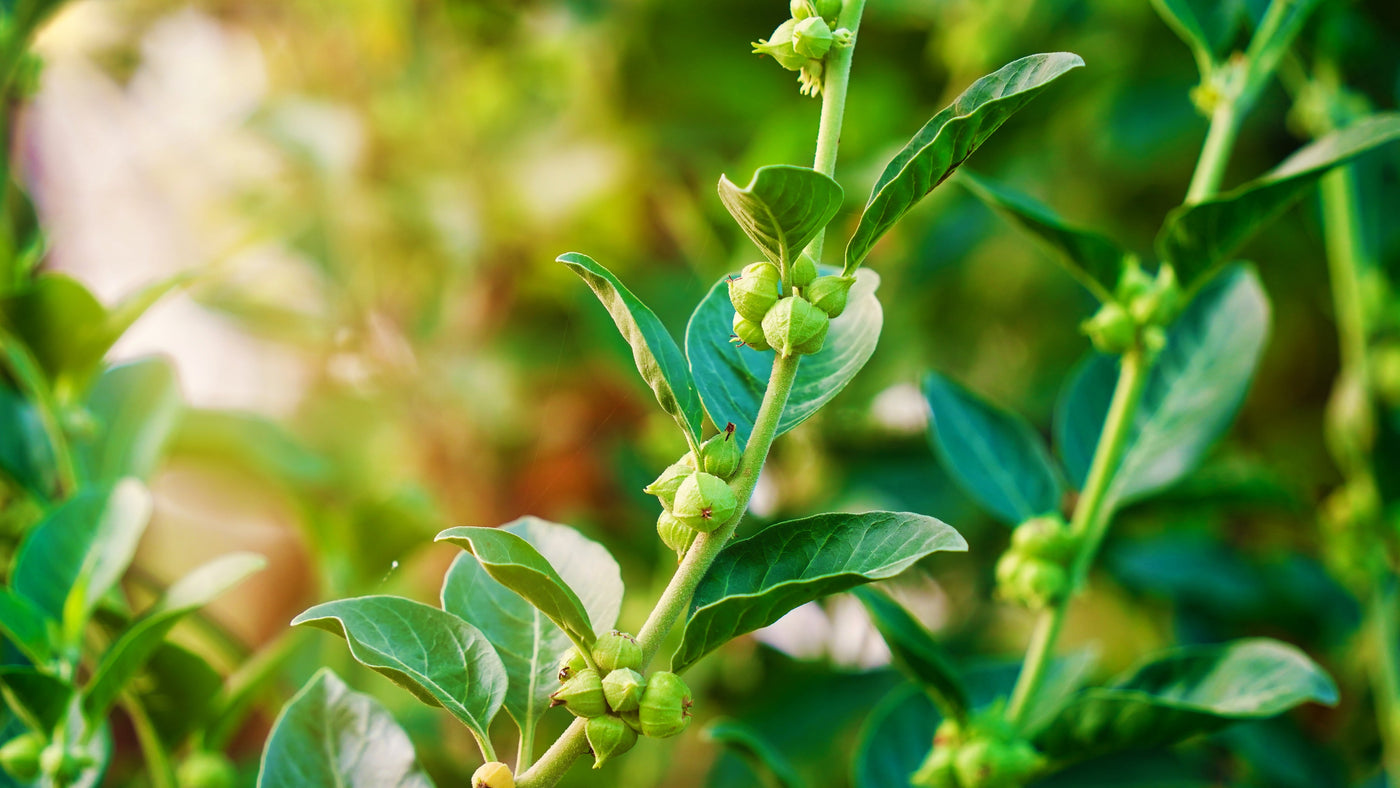


Meet menopause with confidence—and discover targeted support to help make the transition feel a little more manageable.*

Find out what fiber actually does for your gut, which foods deliver the most, and how Nature's Way fiber supplements can help you increase your daily fiber intake when you...

Wondering if you’re getting enough vitamin D? Learn how sunlight, food, and supplements can help support your daily intake.

Find immune support this back-to-school season with simple daily habits and a little help from Nature's Way Sambucus®.*

Explore ginger root’s history and traditional use, plus a spotlight on Nature’s Way Ginger Root to support digestive comfort.*

Build a back-to-school supplement routine for the whole family—kids, adults, and college students. Explore Nature's Way picks for multivitamins, digestive and immune support, stress management, and more.*

Struggling with sleep, stress, or focus in college? Discover three Nature's Way supplements designed to support a student wellness routine this semester.*

Discover why a daily multivitamin is one of the simplest healthy habits to start, and how Alive!® multivitamins can help men, women, and kids fill common nutrient gaps and support...


